
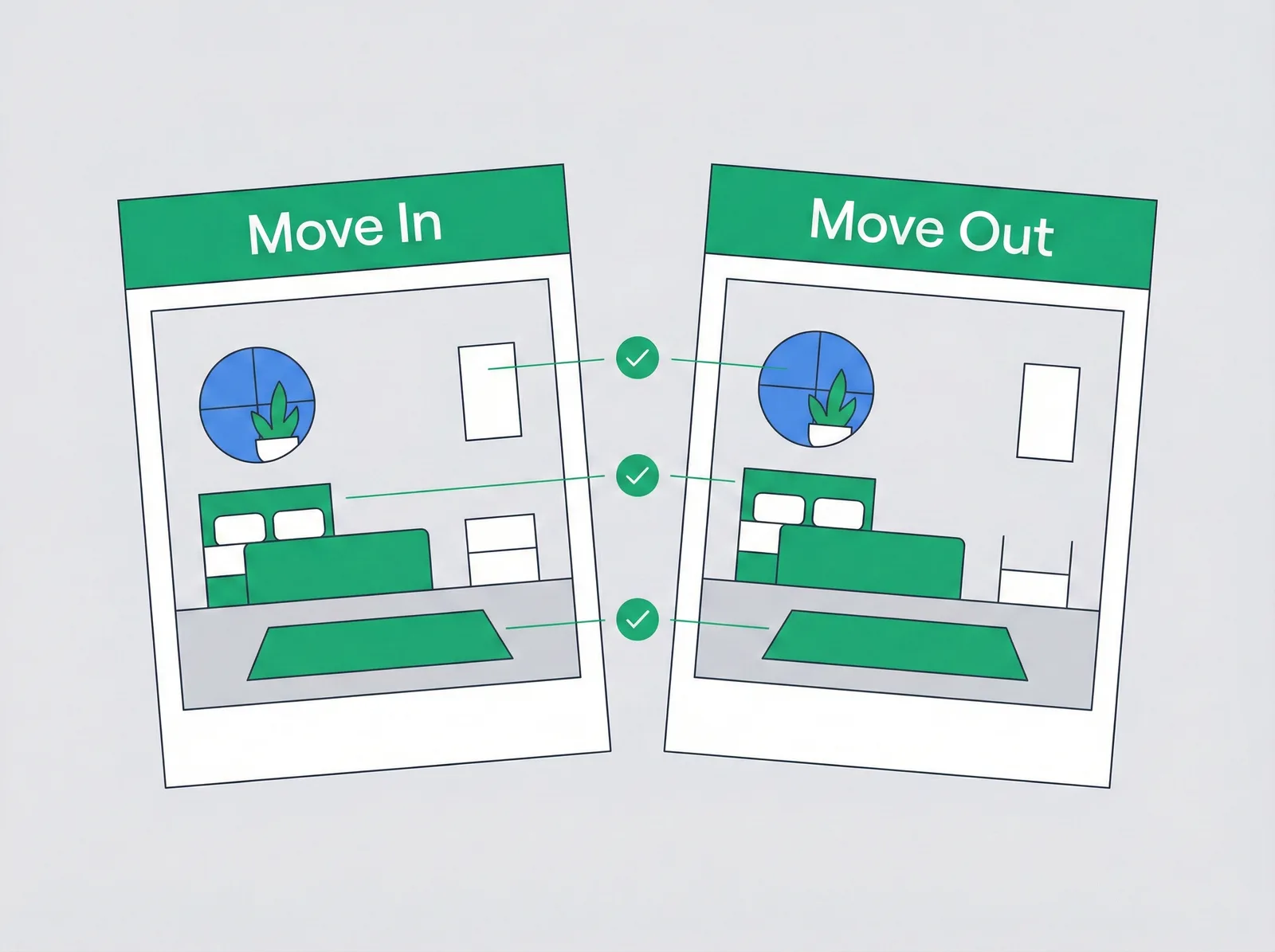
The wins, briefly.
Room-by-room documentation
Capture photos and notes for every room. Walls, floors, fixtures, appliances. Timestamped and stored.
AI damage detection
Snap move-out photos. AI compares them to your move-in baseline and flags new damage automatically. No more eye-balling two sets of pictures side by side.
Deposit recommendations
AI suggests deposit withhold amounts based on damage severity. Defensible, fair, and a starting point you can hand to a tenant or a small-claims judge.
Four steps, then it runs itself.
- 1
Move-in inspection
Walk through with photos. Document every room. Notes on existing conditions. Tenant signs off.
- 2
Move-out inspection
Same process. Photos of current condition. Room-by-room documentation.
- 3
AI photo comparison
AI compares move-in vs. move-out photos. Identifies new damage. Assesses severity.
- 4
Deposit reconciliation
AI suggests deductions with cost estimates. Email the report to your tenant. Return the deposit fairly.
Every capability, no upsell.
Photo documentation
Multiple photos per room. Stored securely in the cloud.
Room-by-room notes
Document conditions, existing damage, serial numbers.
AI damage detection
Compares move-in and move-out photos automatically. Detects new damage. Assesses severity.
Cost estimates
AI suggests repair costs by damage type, a defensible starting point you can verify with vendors.
Tenant-ready reports
Email the inspection summary directly to your tenant in one click.
Deposit audit trail
Every flag, photo, and estimate timestamped from move-in through return.
It's one system, not six features.
Rentra vs Buildium
Buildium is built for property management companies. Rentra is built for landlords who manage their own properties. Here's what that means for you.
Read more ComparisonRentra vs AppFolio
AppFolio won't even let you sign up with less than 50 units. Rentra was built for landlords like you.
Read more ComparisonRentra vs TurboTenant
TurboTenant's free tier gets you started. Rentra's $25/month gets you finished.
Read more